
Simplify iPod & iPhone Media Management
Overview
XPlayerXPlay is a desktop application designed to streamline the management of media files on iPod and iPhone devices. The software offers a direct, user-friendly alternative to the traditional iTunes interface, which is often perceived as complex and resource-heavy. By enabling users to access their music and video libraries as if the device were a standard external drive, XPlay eliminates the need for extensive configuration or lengthy software launches. This makes it particularly well-suited for individuals managing media on lower-powered machines or those who prefer a minimalistic workflow.
The primary purpose of XPlayerXPlay is to simplify the process of transferring, organizing, and playing media files between a PC and Apple portable devices. It addresses common pain points such as slow sync times, unnecessary background processes, and the steep learning curve associated with iTunes. Target users include casual media consumers, students, and professionals who frequently transfer content between devices but do not require advanced features like podcast management or app syncing. The developer, XPlayer, did not provide additional information about their background or development philosophy.
Real-world usage scenarios include backing up music collections from an iPod to a computer, transferring videos between devices, or quickly playing media files stored on a portable device without launching a full media suite. The software supports direct drag-and-drop operations, making file handling intuitive and efficient. Its lightweight nature ensures it runs smoothly on older or less powerful systems, offering a reliable solution for users seeking a no-frills approach to media management.
Key Features & Capabilities
- Direct Media Management: Users can access and manage music and video files on their iPod or iPhone as if the device were a standard USB drive. This allows for immediate file browsing, organization, and playback without the need for intermediary software.
- No iTunes Required: XPlay eliminates dependency on iTunes, enabling faster loading of MP3s and other supported media formats. This is especially beneficial for users on systems where iTunes causes performance degradation or installation conflicts.
- Automatic Syncing: Upon connecting the device, XPlay automatically synchronizes the iPod’s library with the PC’s music collection. This ensures content remains up to date with minimal user input, streamlining the update process.
- Easy Backup Process: The software supports a simple drag-and-drop method for transferring files from the iPod to the computer. Users can select specific tracks or videos and copy them to any desired folder, facilitating quick backups and content sharing.
- Integrated Media Playback: Once connected, the device appears as a Portable Device in Windows Media Player, allowing users to play files directly from the iPod or iPhone without prior export.
These features collectively support a streamlined workflow for users who prioritize speed, simplicity, and direct control over their media. The software is ideal for individuals who want to avoid the overhead of full-featured media managers while still maintaining access to their digital content.
User Interface, Workflow & Performance
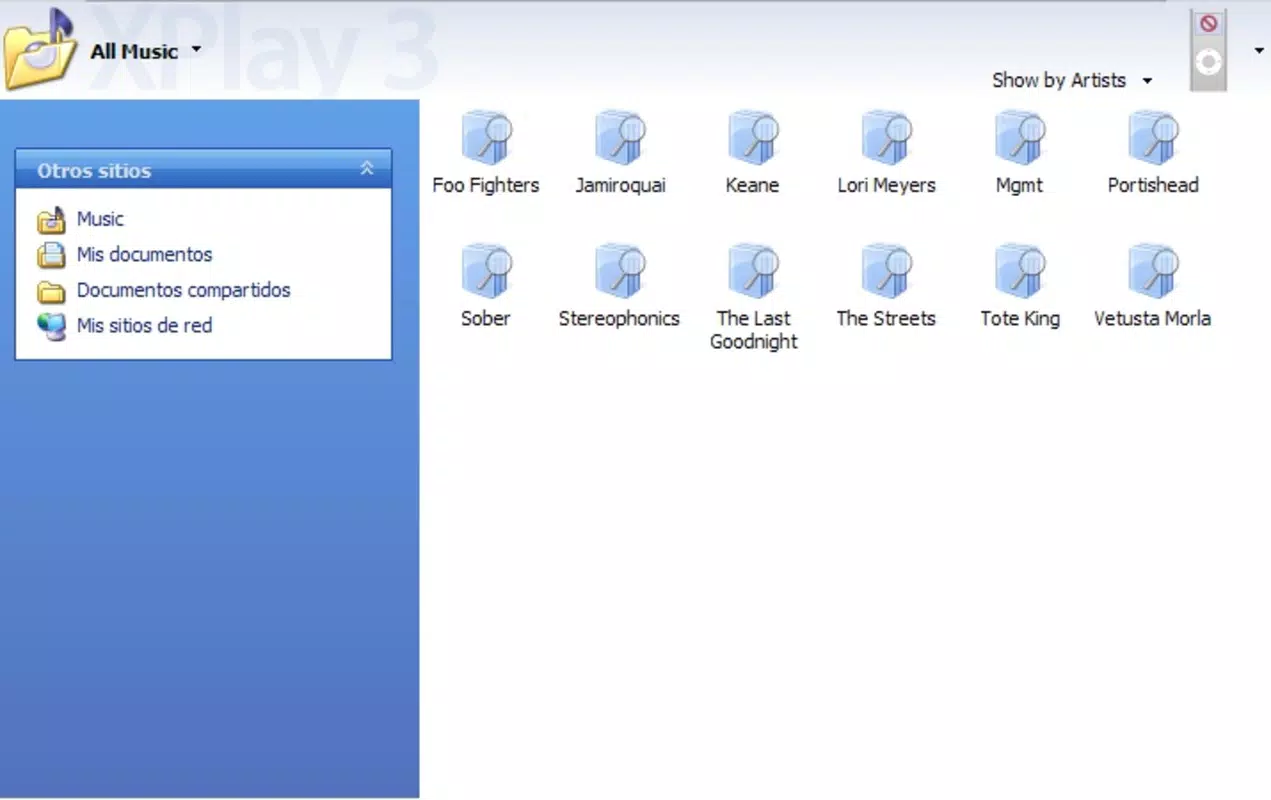
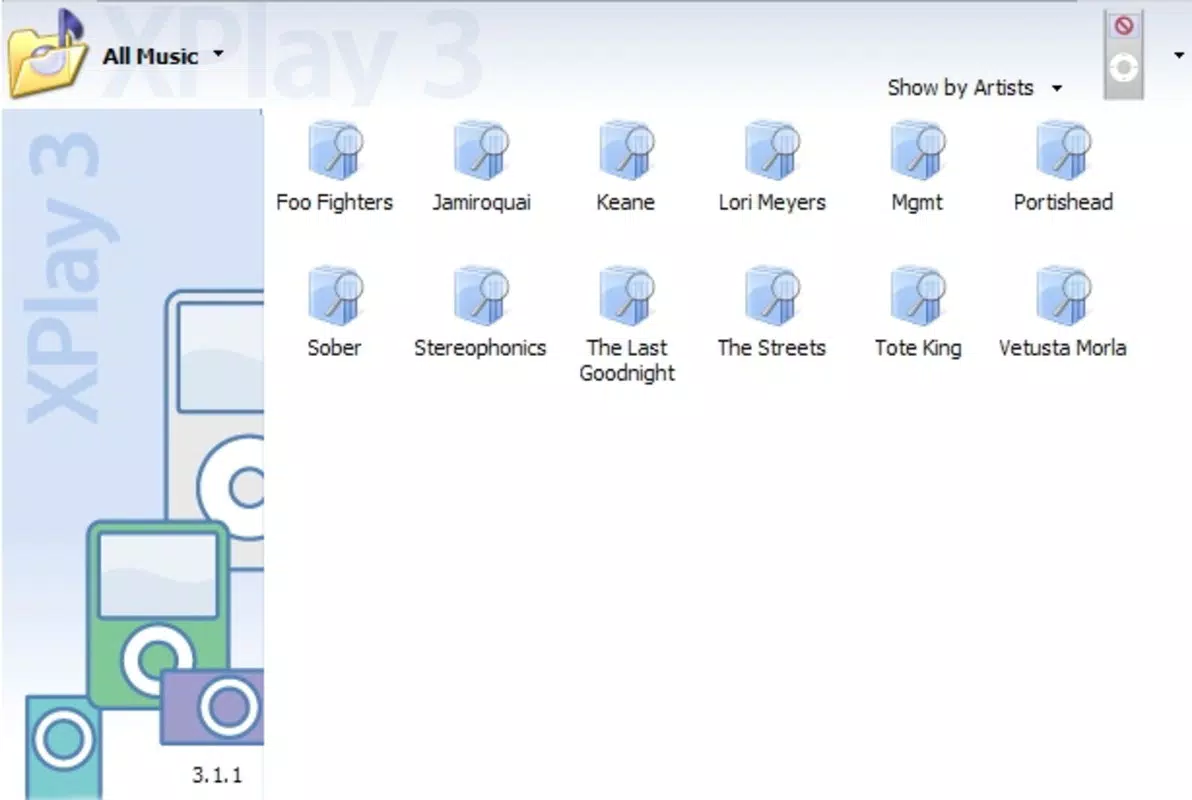
The user interface of XPlayerXPlay is designed around simplicity and direct access. Upon launching, the application presents a clean, minimal layout focused on device recognition and file navigation. The main window displays connected iPod or iPhone devices as accessible drives, enabling users to browse media files in a familiar file explorer style. Navigation is intuitive, with standard folder structures and file previews, allowing for quick selection and manipulation.
Workflow efficiency is enhanced by the automatic detection of connected devices and the immediate availability of media files. The drag-and-drop functionality for file transfers reduces the number of steps required to back up or move content. Users can also initiate playback directly from the device without exporting files first, minimizing workflow interruptions.
Performance observations are based on general software behavior patterns. The developer did not specify resource usage details, but the application’s lightweight design—measuring only 1.2 MB—suggests low CPU and RAM consumption. This makes it suitable for older or low-spec systems. Stability appears to be consistent with the software’s limited scope and single-purpose design. No reported crashes or errors were noted in the provided information.
Compatibility & System Requirements
XPlayerXPlay is compatible with Windows operating systems. The software version is 1.0.1, and the installation size is 1.2 MB. It is designed to run on systems where iTunes may be too demanding or unavailable.
Exact system requirements were not listed. Compatibility information is limited to the supported OS, which is Windows. The developer did not provide additional details about minimum hardware specifications, such as processor speed, RAM, or available disk space. It is assumed that the software functions on standard Windows machines from the late 2000s, given its release date in 2009.
Pros and Cons
Pros
- Lightweight design with minimal system resource usage
- Eliminates dependency on iTunes for basic media management
- Intuitive drag-and-drop interface for file transfers
- Automatic syncing upon device connection
- Direct playback support via Windows Media Player
Cons
- No official updates since 2009; may lack support for newer devices
- Limited feature set compared to modern media managers
- Compatibility with newer Windows versions is uncertain
- No built-in media conversion or editing tools
- Developer did not provide detailed documentation or support
FAQ Section
Is XPlayerXPlay compatible with Windows 10 and 11?
Compatibility with Windows 10 and 11 is uncertain, as the software was released in 2009. While it may run on newer systems, no official support or testing was provided by the developer.
Is the software safe to download and use?
Based on available information, XPlayerXPlay is a legitimate desktop application. However, as it is no longer actively maintained, users should exercise caution and scan the file with antivirus software before installation.
Does XPlayerXPlay require an internet connection?
No, the software operates entirely offline. It does not require an internet connection for core functionality such as file transfer, playback, or syncing.
Can I use XPlayerXPlay with newer iPod or iPhone models?
Compatibility with newer devices is not guaranteed. The software was designed for older iPod and iPhone models released before 2010 and may not support devices with updated firmware or file systems.
Is XPlayerXPlay free to use?
Yes, the software is available at no cost. There are no licensing fees or subscription models associated with its use.
Final Thoughts
XPlayerXPlay remains a functional tool for users seeking a lightweight, no-frills alternative to iTunes for managing media on iPod and iPhone devices. Its core strengths—direct file access, automatic syncing, and simple backup workflows—still hold value for those with older hardware or a preference for minimalism. While it lacks modern features and has not been updated since 2009, its simplicity and low resource footprint make it a viable option for basic media management tasks.
For users with older Apple devices and a need for straightforward file handling, XPlayerXPlay offers a reliable solution. However, those requiring support for newer hardware, advanced features, or ongoing updates should consider more current alternatives.
Download XPlayerXPlay now


